

Platform passkeys
Stored on a single device with Face ID, Touch ID, or Windows Hello. Fast and secure for everyday use.
Vauzy replaces risky master passwords with secure, biometric passkey login. It’s simpler, safer, and verified by you, not an obscure password.
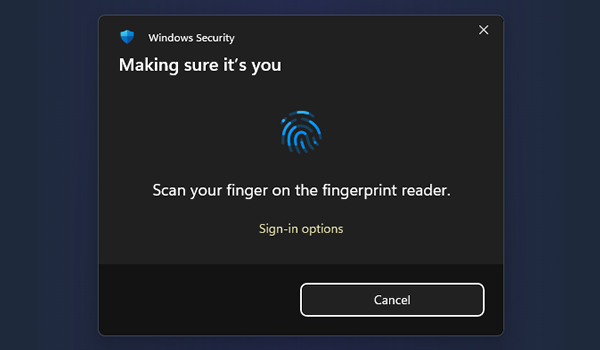
Each passkey is configured to enforce user verification with Face ID, Touch ID or other methods. No shared password, no phishing risk.
Each passkey session lasts just 3 minutes for sensitive actions, automatically rotating encryption keys for every verification.
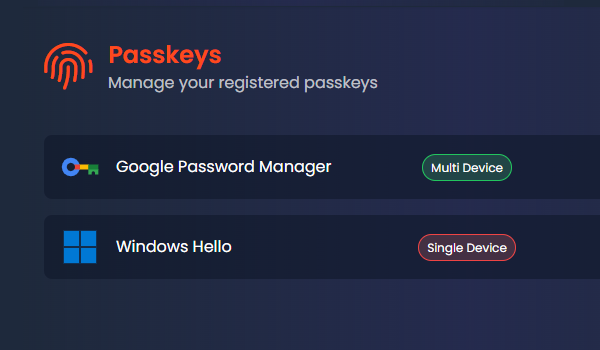
Multiple passkeys mean you’re never locked out. With support for roaming keys, you can always sign in on the move.
Vauzy lets you register multiple passkeys across laptops, phones, security keys, and roaming passkey services like Google and iCloud. Lose a device and you still have access.
Stored on a single device with Face ID, Touch ID, or Windows Hello. Fast and secure for everyday use.
Multi-device passkeys via Google, iCloud or others. Sign in on new devices with your verified account.
FIDO2 USB or NFC keys for dedicated hardware security. Great as a backup or admin credential.
Register
Setup multiple passkeys across compatible devices using Face ID, Touch ID, or Windows Hello.
Authenticate
When you log in, Vauzy requests biometric proof instead of a password. Verification is handled by your device.
Validate
Each sensitive action (like reading secrets or editing credentials) revalidates your Passkey key for 3 minutes.
Encrypt
Your session's encryption key rotates with every passkey authentication, ensuring zero stale or shared key material.
Vauzy’s passwordless authentication uses true biometric verification and short-lived cryptographic sessions. Every Passkey approval rotates your end-to-end key, meaning even if someone gained local access, they couldn’t decrypt your data.
You can add multiple Passkey credentials across devices. Losing one doesn’t lock you out — simply authenticate with another registered device.
Exactly. Vauzy’s authentication replaces passwords with public-key cryptographym, removing the weakest link in most breaches and replacing it with frictionless, secure, and verified biometric login.
Every Passkey validation renews your encryption key, so even if someone captured an old session, it becomes useless after a few minutes.
Log in faster, stay safer, and keep control where it belongs... with you.